
Services · Crawl & log analysis

What Googlebot actually did, not what a tool guessed

What Googlebot actually did, taken from your raw server logs rather than inferred from a crawling tool. On a large site the two rarely match, and the gap between them is usually where the traffic went. The crawl audit gives us the map of your site; on the Retainer and Embedded plans, monthly log analysis shows how Googlebot is really using it.

Crawl & log analysis

Crawl budget is spent, not allocated

Googlebot arrives with a limited number of requests it is willing to make to your server. On a catalog of fifty thousand products with faceted navigation, most of those requests can be consumed by sort orders and filter combinations before a single new product page is fetched.

The visible symptom is a section of the site that never gets indexed, however many times it is resubmitted. Search Console reports it as “Discovered – currently not indexed”, which is accurate and tells you almost nothing about the cause.

A crawl shows what could be fetched. The logs show what was. Side by side, they tell you exactly where the requests went and which templates went without.

What the work is

Crawl & log analysis, in four parts.

01

Crawl and log pipeline

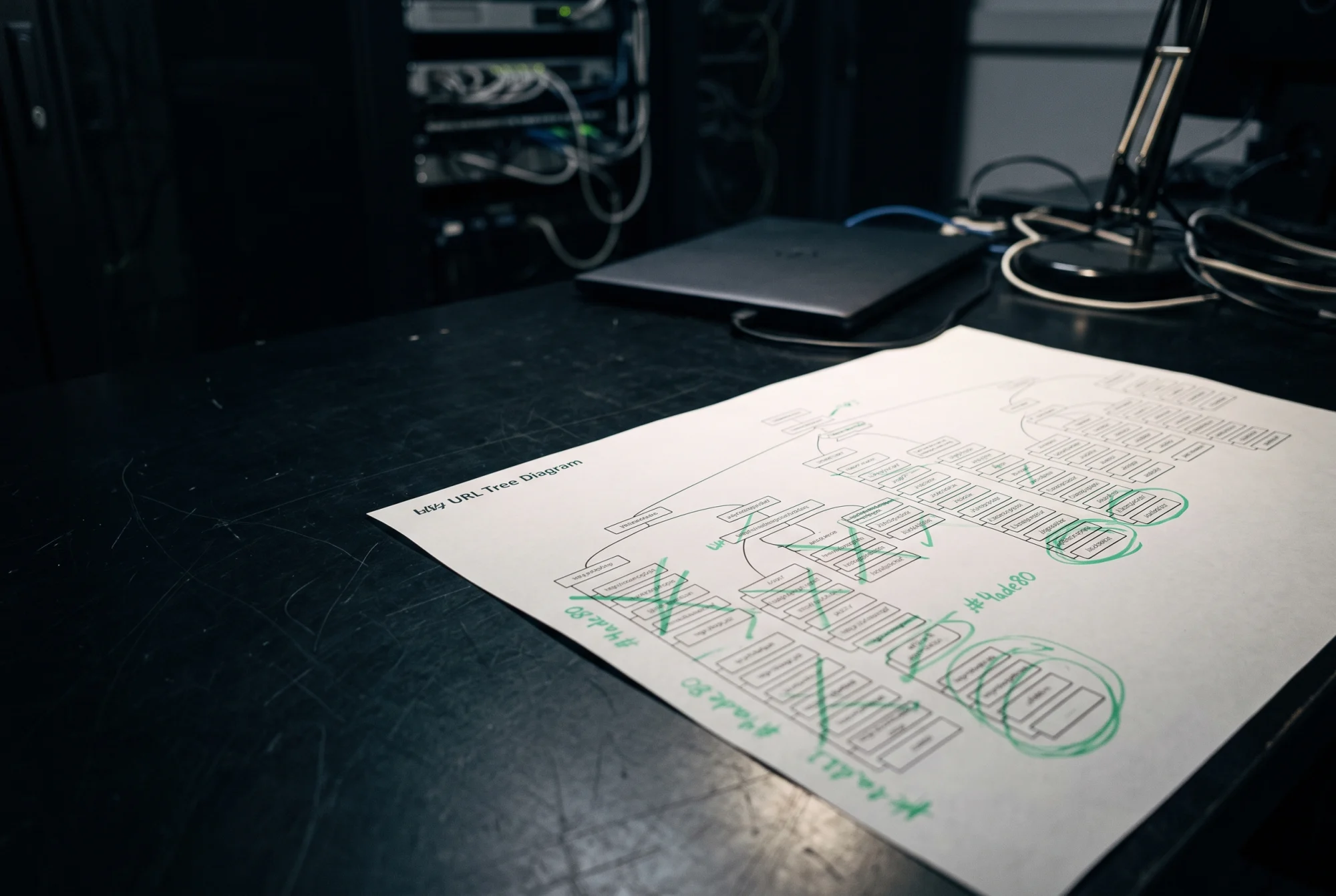
The crawl comes first: up to 50,000 URLs in the audit, rendered where your templates need JavaScript, with the status code, canonical, directives and internal links recorded for each. On Retainer and Embedded we add your raw access logs, usually the last thirty to ninety days, and separate verified Googlebot from the fake crawlers that borrow its name. Verification is by reverse DNS lookup, not by user-agent string, because on most sites a share of the “Googlebot” traffic is not Google at all.

02

Crawl budget by template

We break Googlebot's requests down by template, directory and status code, so you can see where they actually go. It is common to find the most valuable template, usually product pages, receiving a small fraction of requests while a single parameter set receives a third or more. That split, measured in requests per day, is the number that makes the rest of the work easy to prioritize.

03

Faceted navigation control

Filters generate URLs combinatorially: five filters with ten values each can produce more than 150,000 combinations before sort order and pagination are added. The wrong control makes it worse, for example a robots.txt rule that stops Google from ever seeing the canonical tag. We decide facet by facet whether it should be crawlable and indexable, crawlable but canonicalized, or kept out of the crawl entirely, and write the rule so it applies the same way on every template.

04

Parameter and duplicate handling

Session IDs, tracking parameters, print views, trailing slashes, uppercase paths, HTTP and HTTPS copies of the same page. Each one quietly multiplies the number of URLs Googlebot has to consider. We list every parameter that appears in the crawl or the logs, assign each one a decision — keep, canonicalize, strip at the edge or redirect — and document the reasoning so the next developer does not undo it.

What you receive
  • Crawl data for every template, with status code, canonical and directives per URL
  • Googlebot requests by template, with wasted requests counted per day (Retainer and Embedded)
  • A per-parameter decision table your developers can implement and keep under version control
  • Findings ranked by the number of indexable pages affected, each with its evidence
Timeline

The crawl audit takes two weeks: the first week is crawling and data checks, the second is analysis and the written findings. Log analysis starts with the Retainer: we agree the export format in the first week, deliver the first full analysis by the end of the first month, and repeat it every month after that.

Who this is for

Online stores, marketplaces and publishers with tens of thousands of URLs or more, especially anything with faceted navigation, internal search pages or user-generated listings. Company size does not matter: a three-person store with 80,000 filter URLs has the same problem as a large retailer.

What it costs

Priced on the pricing page — no quote needed to find out.

Questions

About this service.

What access do you need?
For the audit, read access to Search Console and a site we can crawl, plus a staging environment if you have one. For log analysis, read access to raw access logs or a scheduled export. We never need write access to production.
Our logs are behind a CDN. Does that work?
Usually. Most CDNs can export request logs, although with some providers and plans that is a paid add-on. If edge logs are not available, origin logs still work with one caveat: they only show requests that missed the cache, and we adjust the analysis for that. We send you the exact fields we need before you start exporting.
How far back should logs go?
Thirty days is the minimum for a usable picture and ninety is better. With less than thirty days, normal week-to-week swings in crawl activity are hard to tell apart from a real change. If you keep no logs today, we help you start retaining them in the first week and the analysis builds from there.

All questions →

Start with a crawl audit.

$160, fixed price, two weeks. Findings ranked by impact with the evidence attached, and the fee credited against your first month if you continue.

Get in touch